

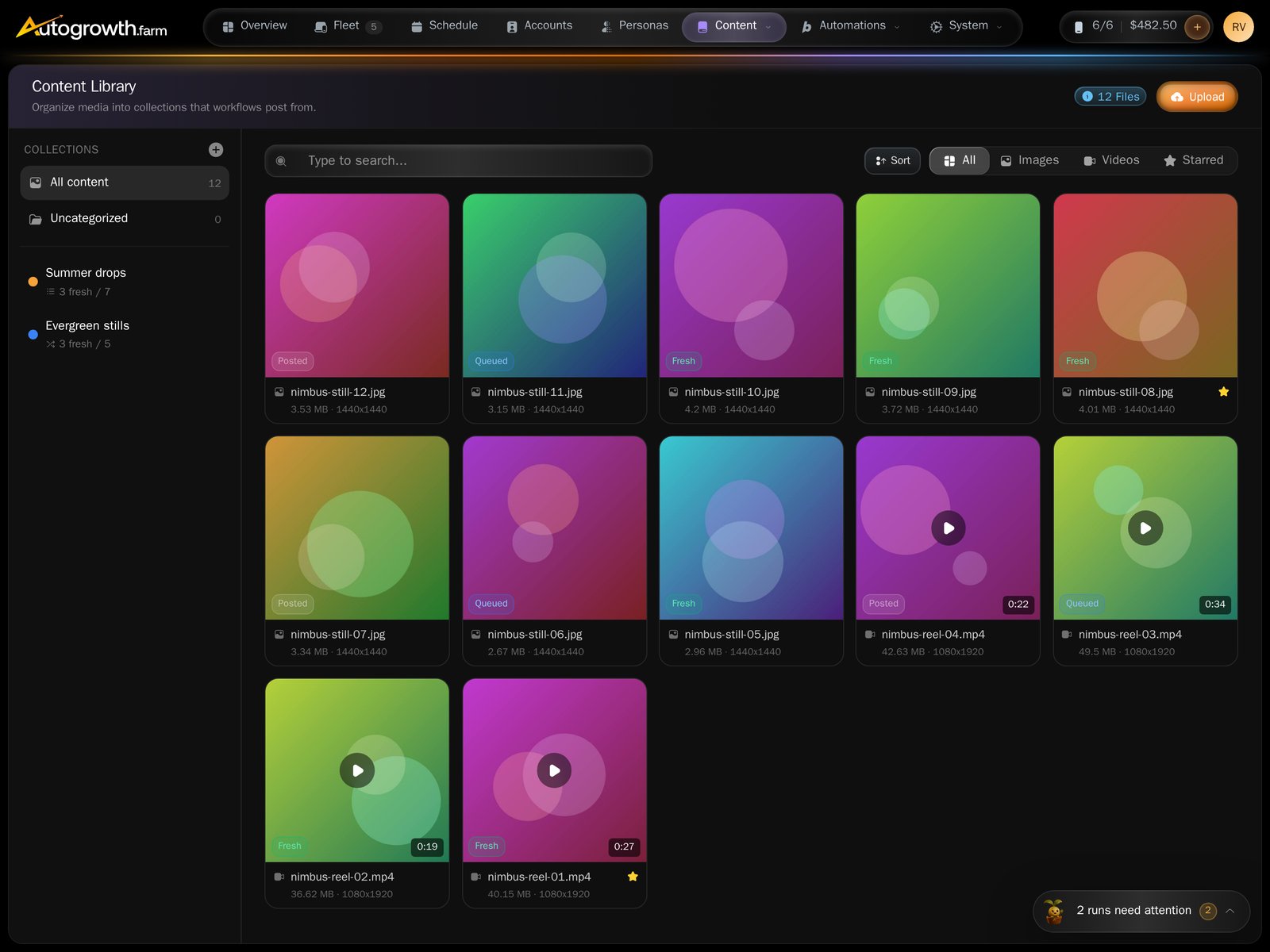
The content library.
Upload
Press Upload. The modal is headed Upload media — “Drop files or browse — images & videos up to 100MB each.”- Anything that is an image or a video is accepted. There is no fixed format list.
- 100 MB per file. Files that fail either test are marked in the list, as Unsupported file type or Over 100MB, and are not sent.
- Add to collection puts everything in this batch straight into a collection. The helper line says why you want that: “Workflows draw fresh, single-use media from a collection.”
How much space you have
Storage is not sold separately. Every active phone slot carries 20 GB, and your quota is 20 GB times the number of active slots. Buying storage on its own is not possible: “Storage is now included with phone slots (20GB per phone). Contact support if you need additional storage.” When you go over, the server refuses the upload with:Storage limit exceeded. Using 41.2GB of 40GB. Add more phone slots to increase storage.That message never reaches the upload modal, which is why the paragraph above exists. Usage lives in Settings → Billing, on the Storage tile: used against total, the percentage, and the arithmetic behind it (
2 × 20 GB). Banners appear there at 80% —
“Storage is running low” — and at 95% — “Storage is almost full”. Both suggest the only
fix: more phone slots, or fewer files.
Finding things
There are no folders. The sidebar is your list of collections, and everything else is filtering:- Tabs for All, Images, Videos and Starred.
- Sorting by Newest first, Oldest first or Name (A–Z).
- A search box that matches names and tags.
Import from Google Drive
Connect Drive once in Settings → Integrations — the card is Google Drive, “Import media directly from your Google Drive.” A button then appears in the library: Import from Drive.1
Pick files in Drive
Browse Google Drive opens Google’s own picker. Images and videos only, and
up to 20 files per import.
2
Import them
Press Import. The result counts how many of your files landed. Originals
stay where they are — “Originals stay in Drive — this copies them over.”
3
Sort them
Imported files arrive with no collection. Select them and use Move to,
or your workflows will never see them.
AutoGrowth only ever sees the files you pick in that window. It cannot browse or read
the rest of your Drive.
What to read next
Collections
Group media into the queues workflows post from.
Credits and billing
Where the 20 GB per slot comes from.